
A client asks how long a printed DVD will last. The honest answer is that nobody can give a single number, and anybody who quotes you one hundred years is quoting a laboratory test rather than a shelf in an office. What can be said usefully is what makes discs fail, how quickly, and what you can control.
This matters commercially. If you are supplying discs as a deliverable, a customer archive, or part of a legal or medical record, the storage life of the media is part of what you are selling.

What actually fails
The term disc rot covers several different failure modes that share a symptom: the drive can no longer read some or all of the disc.
Oxidation of the reflective layer. Pressed discs use a thin aluminium layer. If moisture or air reaches it, usually through an edge or through a scratch in the lacquer, the aluminium oxidises and stops reflecting. This shows as small transparent pinholes when you hold the disc to a light.
Dye degradation. Recordable discs, the ones burned rather than pressed, store data in an organic dye layer. That dye breaks down with exposure to light and heat. It is the most common cause of a burned disc becoming unreadable, and it is why a CD-R left on a car dashboard fails within a season.
Delamination. The layers separating, most often at the edge or centre hole. Common on discs that have been through humidity swings.
Physical damage. Scratches on the label side are more serious than scratches on the playing side, because the data layer sits just under the label surface. A ballpoint pen pressed hard on the top of a CD can destroy it while leaving the shiny side pristine.
How printing interacts with disc life
The print method is not neutral.
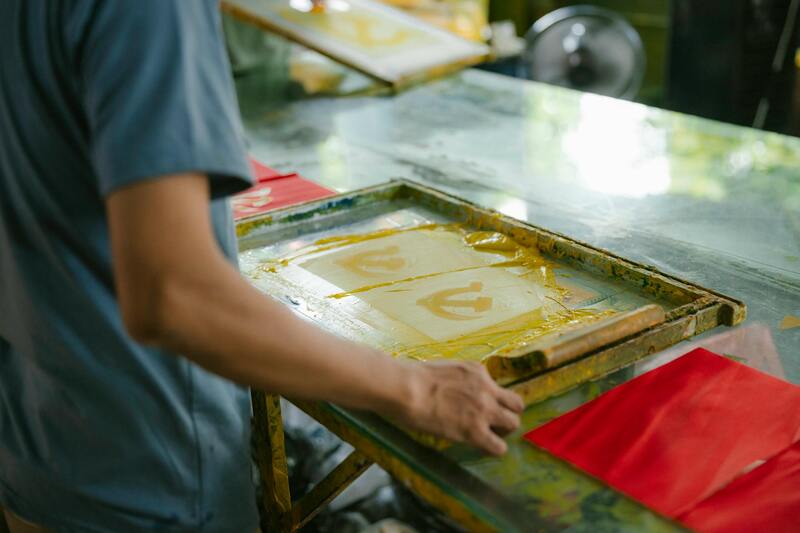
Screen printing and offset printing put ink directly onto the lacquered top surface. The lacquer and ink together form a protective layer, and a fully printed disc is better protected than a bare one. This is the standard for pressed replication.
Thermal and inkjet printing on printable-surface discs are applied to a coating designed to receive ink. Inkjet printable surfaces are absorbent, which means they also absorb moisture, and unsealed inkjet print can smudge or lift in humid conditions.
Adhesive paper labels are the worst option for longevity. The adhesive can migrate into the disc over years, and an off centre label unbalances the disc at speed. They also make delamination more likely. If a disc is meant to last, do not put a stick on label on it.
The practical conclusion is that a properly screen printed replicated disc is the most durable, and an inkjet printed recordable disc with a paper label is the least. Our comparison of duplication versus replication sets out the cost and quantity trade offs between those two routes.
Realistic expectations by media type
Rather than a single life figure, think in terms of risk over time under ordinary storage.
- Pressed CDs and DVDs from a reputable plant, stored properly, routinely read fine after twenty to thirty years. Early 1980s discs with poor edge sealing are the well documented exception.
- Recordable CD-R and DVD-R vary enormously by manufacturer and dye. Quality media in dark, cool, dry storage often lasts well over a decade. Cheap media in a drawer that gets warm can fail in three or four years.
- Rewritable formats are the least stable of the common types and are not suitable for archiving anything.
- Archival grade discs using inorganic recording layers rather than organic dye are designed for long term storage and are priced accordingly.
The other constraint is not chemical at all. Drives are disappearing from laptops, and a perfectly readable disc is useless without hardware. Any archive plan that runs past a decade has to account for that.
Storage that actually extends life
The variables that matter, in order of impact:
Temperature and humidity. Cool and dry, and above all stable. Cycling between hot and cold does more damage than a consistently warm room. Somewhere around 18 to 20 degrees and 40 per cent relative humidity is a reasonable target for anything you care about.
Light. Recordable discs must be kept dark. This alone extends the life of a burned disc substantially.
Orientation. Store vertically, like books, in individual cases. Discs stacked flat and loose scratch each other and can warp.
Sleeve material. Paper sleeves shed fibres and can trap moisture against the disc. Non abrasive plastic or lined sleeves are better, and a jewel case or clamshell is better still for long term storage.
Handling. By the edges and the centre hole. Never write on the top with a hard pen, and if you must label by hand use a marker made for the purpose on a printable surface.
What to tell a client who needs an archive
Be straightforward: optical discs are good distribution media and adequate short to medium term archive media, and they are not a permanent record on their own. A defensible archive keeps more than one copy, on more than one type of media, in more than one location, and gets verified and migrated on a schedule.
Where discs earn their place is as a fixed, non rewritable copy that cannot be silently altered, which is a genuine advantage over a hard drive for certain records. Print the content description, date and a reference number onto the disc surface rather than relying on a case insert, since cases and discs get separated.
Printing discs built to last
For anything intended to survive, we recommend screen or offset printed replicated discs rather than inkjet printed recordable media, and we will tell you plainly when a job is better served by duplication because the quantity does not justify replication. Where recordable media is the right answer, we use quality media and thermal printing rather than adhesive labels.
We can also print full surface content details onto each disc, including variable text such as a date, a case reference or a sequence number, so that a disc separated from its case can still be identified. Materials and print methods are set out under print quality and materials, disc packaging options are covered in our packaging guide, and if you are planning an archive rather than a distribution run, talk to us about the specification before you order.
Frequently asked questions
How can I tell if a disc is starting to fail?
Hold it up to a bright light and look for pinholes or clouding in the reflective layer, and check the edges for separation. Read errors that vary between drives are another early sign.
Is a printed disc more durable than a blank one?
A screen or offset printed disc has an additional protective layer over the lacquer, so yes, modestly. An inkjet printable coating is more absorbent than plain lacquer, so it is not an improvement in humid storage.
Can data be recovered from a degraded disc?
Sometimes, with specialist reading equipment that makes multiple passes, and it is expensive. It is far cheaper to verify and copy discs on a schedule than to recover them later.
How often should an archive be checked?
Sample and verify readability annually, and plan to migrate content to fresh media every five to ten years. The migration schedule is usually driven by hardware availability rather than by the discs themselves.